

cestarik
-
Posts
32 -
Joined
-
Last visited
Everything posted by cestarik
-
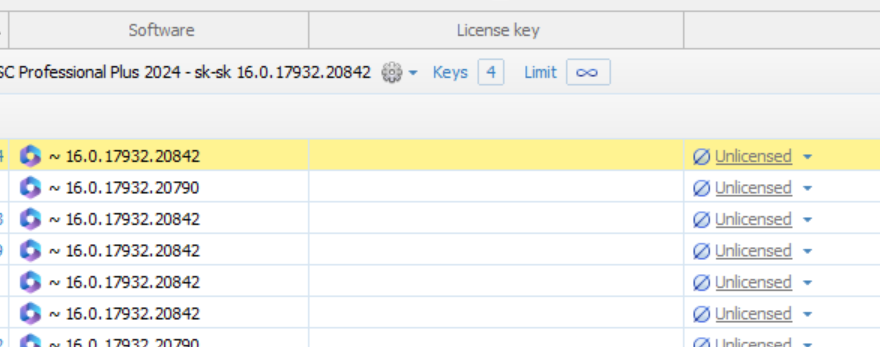
Yes, I did that, but after the update it is still unlicensed and when I set up the license it shows me the wrong key again.

-
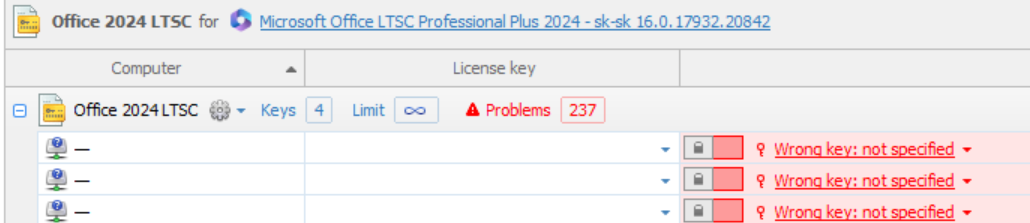
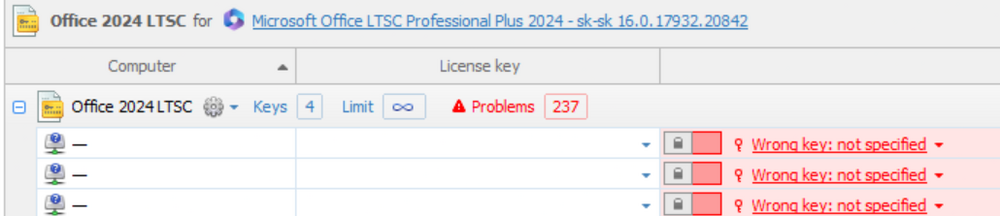
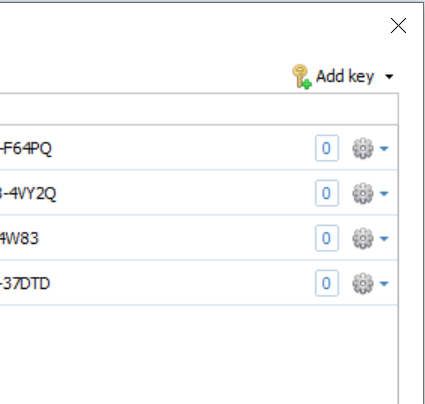
hi, I have a problem assigning a license for Office 2024 LTSC. Why is marked wrong key ? i have 4 direfenet keys for office.
-
thank you for the explanation
-
hi is this ok ? HP.OpenView.Hidden.SNMP.Community.Unauthorized.Access FortiGate @ x.x.x.x 1 27. 1. 2026, 13:30:28 Remote Access Exploit
-
hi, I'm sorry for late answer. I'll try and see what happens, and yes, I have TNI as well
-
hi, Forticlient version 6.4.9.1797 and i talking about uninstall not about installation .
-
HI, what can be a problem with finishing with fatal error? forticlient

-
hi , can i use it license for TNI 5 to new TNI 6 ?
-
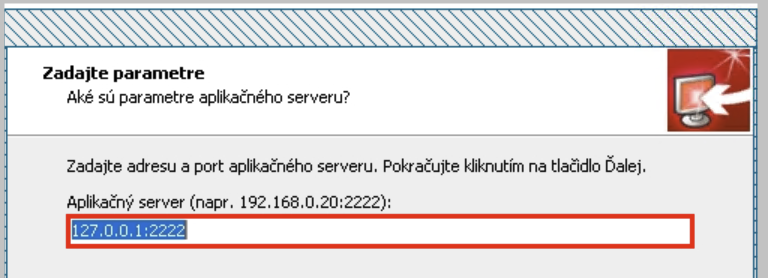
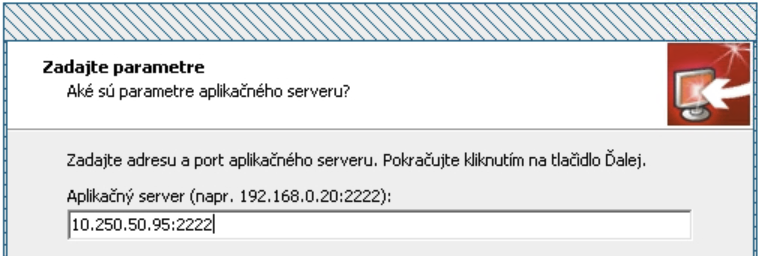
hi, we do deployment through macro step where we need to change IP to another step where we need to change IP to another after finishing installation the ip wasn´t changed . any idea how solved this problem ?
-
hi , is possible set up for install office 2019 ? ( we have one click install using run.bat with commands ) theere is just setup.exe , configuration.xml thanks
-
hello , this problem was resolved 🙂
-
hello , any updates about this solution ?
-
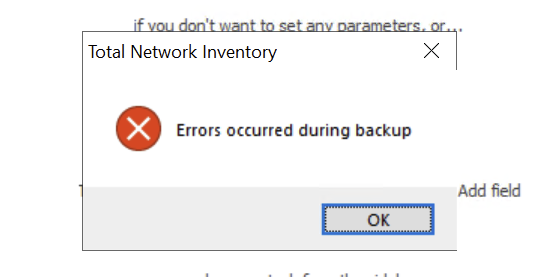
hi, can't create backup version 5.1.5
-
hello, How to put different office 2019 build to one licenses ? thx

-
hello, everything work`s cool. thank you
-
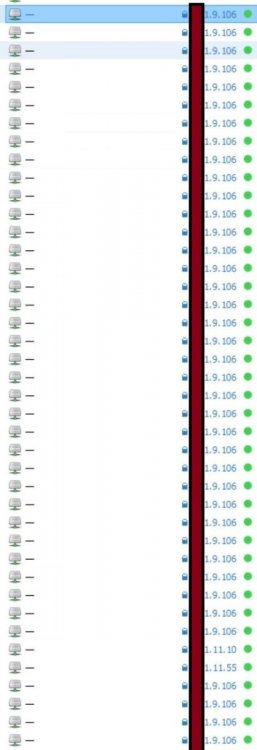
hi, if i don`t want to scan some devices how to exclude them or how to prevent to have duplicity thank you
-
hi guys one question - can do TNI patching OS on desktops and notebooks?
-
sorry for delay it will not be a problem but until the end of the week. 😄 it will not be a problem but until the end of the week
-
Task (8 / 1327) Status --------------- --------------------------------------------------------------------------------------------------------------------- Scan failed: SNMP: System scan failure; SSH: Port open, but protocol skipped; VMWARE: Port open, but protocol skipped
-
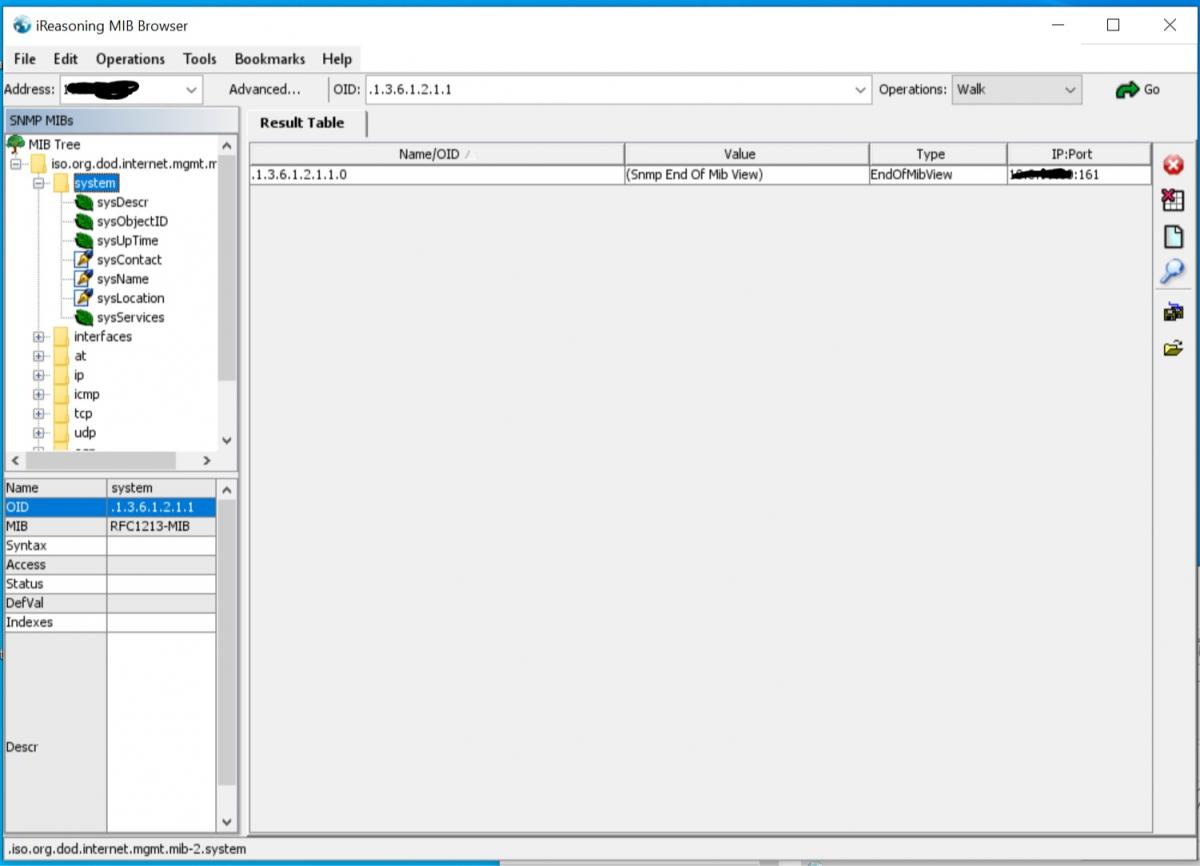
walk from MIB browser
-
hi still problem with snmp. community looks like this Tr4Ps.2020 and is version 2c Task (38 / 1725) Status ---------------- ----------------------------------------------------------------------------------------------------------------------------------------------------------- Done Scan failed: SNMP: Incorrect v1/v2 communities, but v3 protocol is available; SSH: Port open, but protocol skipped; TELNET: Port open, but protocol skipped cisco 3750E
-
hi , can't do it manually because is a cisco switch. SNMP was a restricted access problem 😉
-
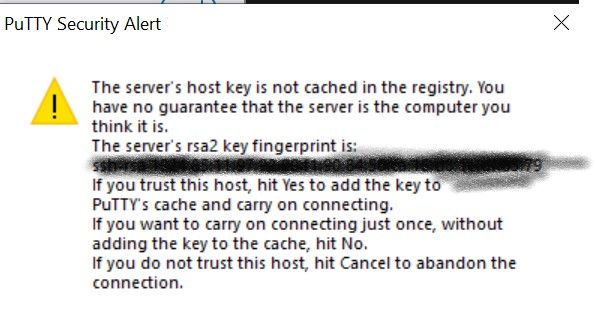
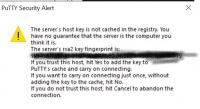
hi, Task (2 / 596) Status -------------- ---------------------------------------------------------------------- 10.0.xx.xx Scan failed: SSH: {seNoError}; VMWARE: Port open, but protocol skipped user name and password correct too but if i`am do new connection from putty need to accept the protocol. Can be this problem when TNI try`s login? snmp Task (4 / 1276) Status --------------- ----------------------------------------------------------------------------------------------------------------------------------------------------------- 10.0.99.40 Scan failed: SNMP: Incorrect v1/v2 communities, but v3 protocol is available; SSH: Port open, but protocol skipped; VMWARE: Port open, but protocol skipped Community for read is OK from cacti i can read V1 or V2 but from TNI no
-
hello, when be ready rollout new update thanks :rolleyes: B)
-
🙂 you welcome